Invoice layout
At Maintenance and settings | Invoicing | Invoice layout you can create the multiple layouts for invoices. One standard invoice layout can be specified which standard is used for the invoices. If, for example, a foreign customer requires a different invoice layout, this can be set at the customer in question.
Note
This setting is only meaningful when there is no link to an accounting.
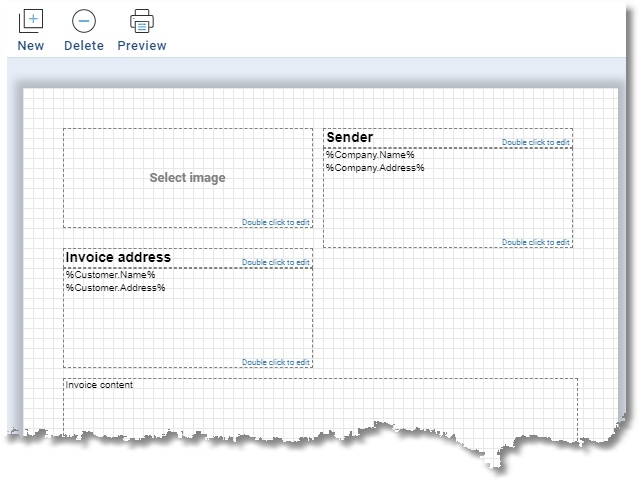
The position and size of every element can be changed easily using the mouse. Double click on a text element to change the text. It is also possible to change the text color, background color, font, font style and alignment. There are several variables available. These variables can be dragged from the list to the text area.
The buttons have the following functions:
| Button | Function |
|---|---|
 | Click on new to add a new element to the layout. This can be a text element or a (background)image. |
 | Delete the selected element. |
 | Translate/change default invoice content texts. |
 | Generate a preview in pdf format. |