Filter tasks
With the Filter button, every employee can set several filters and or options to show only the relevant tasks.
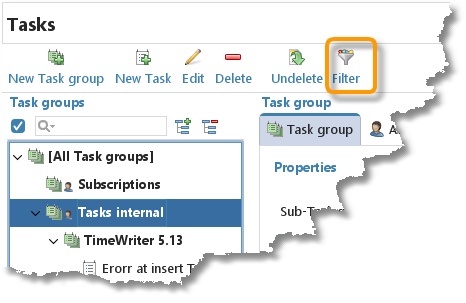
A dialog will be shown where you can enter filters and/or set options.
| Filters | |
|---|---|
Here can be selected which Type(s) and/or Workflow(s) and/or Invoicing type(s) has to be shown. It is also possible to enter a Keyword to filter upon. When one or more of the filters above are set, the filter button changes color and gets an option to cancel all filters.
| |
| Options | Function |
| Show Tasks in list of Task groups. | Tick this box to show the tasks between the task groups or not. |
| Show only items with a valid period | Tasks with the property Closed can be shown or hidden using this tick box. |

It is also possible to type text in the search field above the task groups. The tasks underneath the selected task group will be shown at the right side. Here is also a search field. This field searches also on the task description.