Modules
The program for daily use of TimeWriter is \
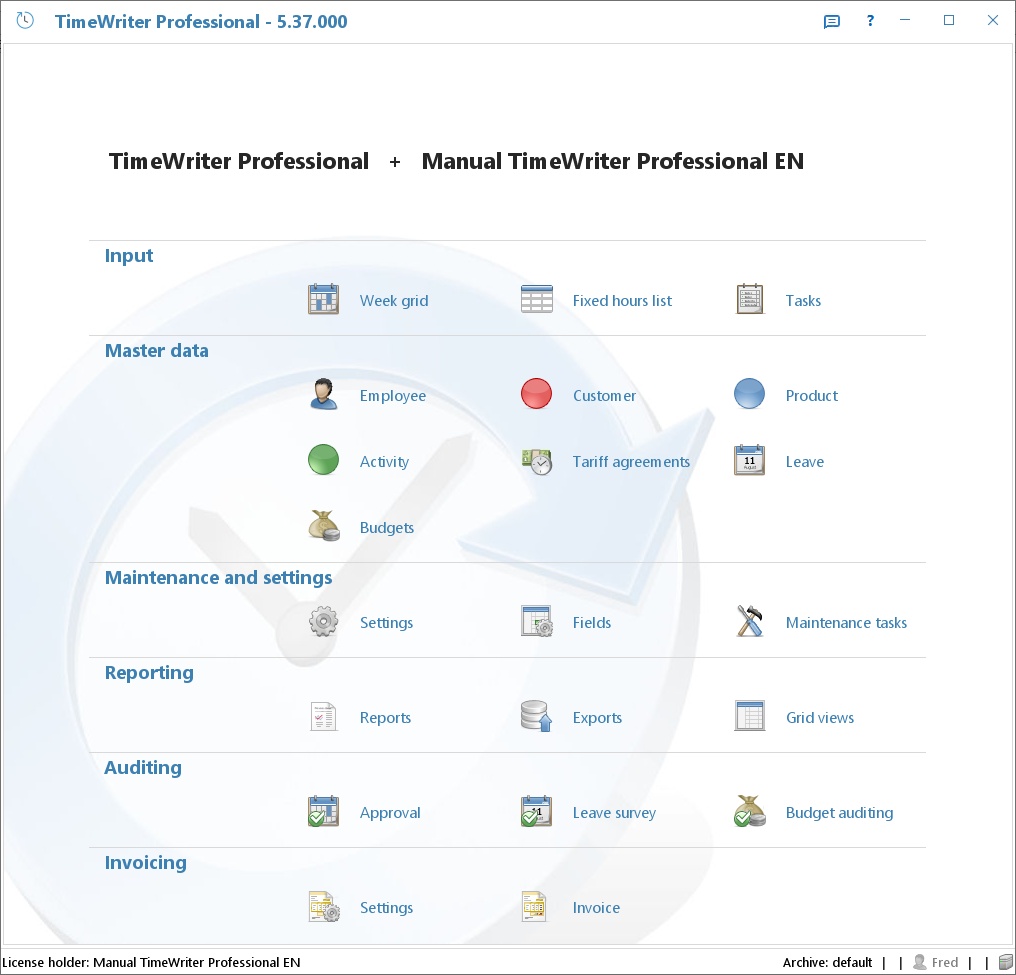
Access to the modules can be set for each employee (or employee group) per module in Master data | Employee on the Application modules tab. This module explorer only shows the modules that one has access to.
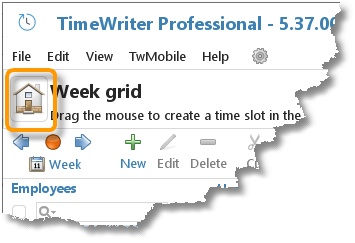
The Module explorer can be brought to the front again by clicking on the Home button:
In this chapter
- InputHours can be entered in 3 different ways: via the Week grid, via the Week list and via the Fixed hours list.
- Master dataThe following master data is included in TimeWriter Professional: Employee, Customer, Product, Activity, Tariff agreements,…
- Maintenance and settingsThis chapter describes general settings. Go to Maintenance and settings in the Module explorer.
- ReportingTimeWriter Professional offers the following reporting functions: Formatted text reports as on screen previews, printable…
- AuditingThis chapter describes the approval, leave survey and budget auditing functions.
- InvoicingThis chapter describes the use of the TimeWriter invoicing module.